Adaptable workspaces
Each product can expose the modules, views, and controls its workflow needs.
Mobius Frameworks · modular product workspace
Mobius is a modular workspace for products and workflows. Each product can arrange its own modules and views while sharing the same foundation for agents, status, editing, and chat.
Each product can expose the modules, views, and controls its workflow needs.
See which agents are attached, what they are doing, and where attention is needed.
Open a module to review its purpose, status, progress, tasks, and recent results.
Review, discuss, edit, and stage changes without leaving the workspace context.
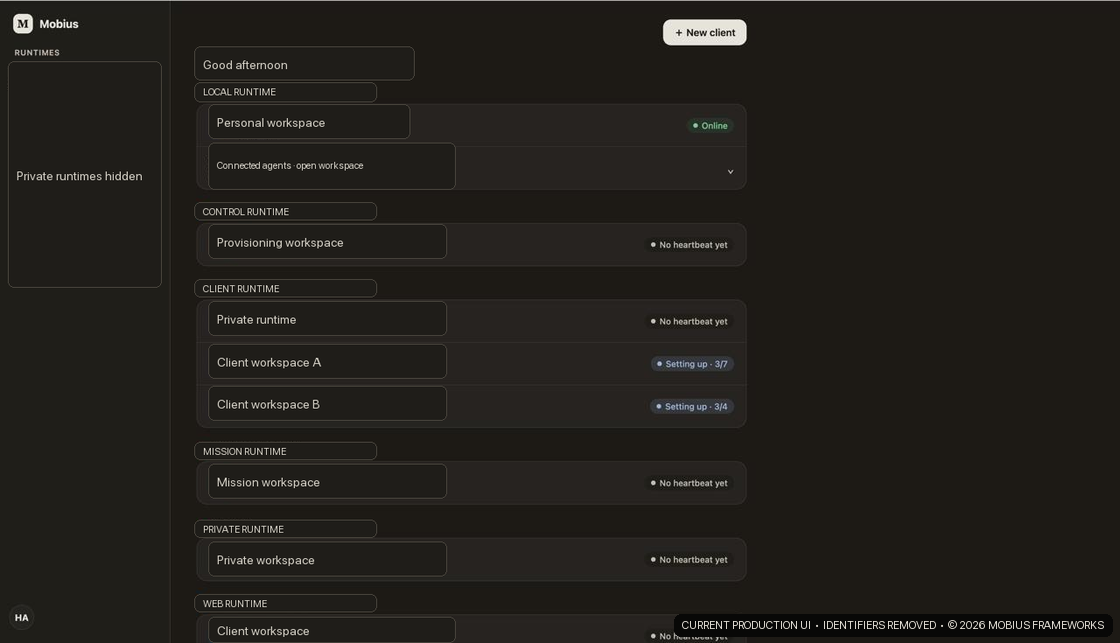
The home view brings product workspaces and their current status together. It shows what is active and what is being prepared before opening a workspace.
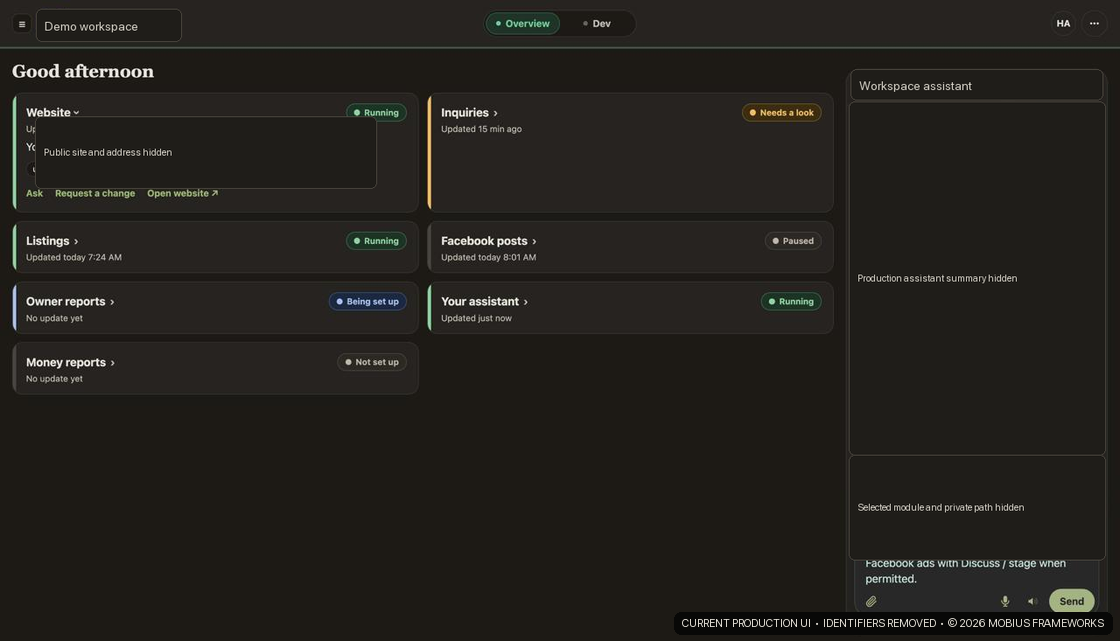
A workspace can organize the parts that matter for that product: its website, inquiries, reporting, publishing, agents, or another workflow entirely. The product gets a focused interface while still using the shared Mobius foundation.
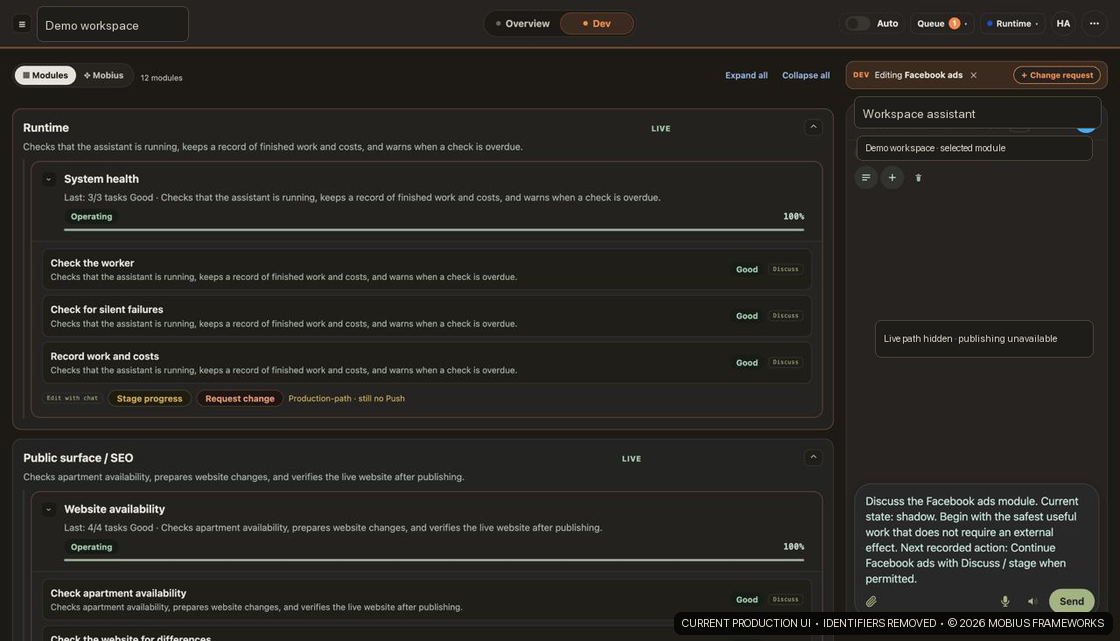
Opening a module shows what it is for, what has happened, what is in progress, and what can change next. Tasks, results, discussion, and editing controls stay attached to the module instead of being scattered across separate tools.
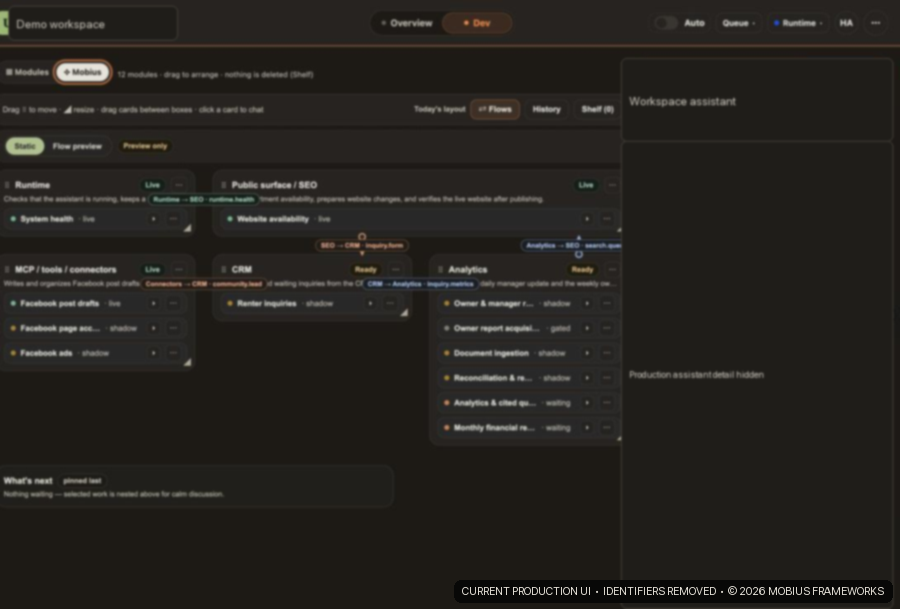
The build view shows modules together with their current states and relationships. It gives the product a visual structure that can be inspected and adjusted as the workflow changes.
Chat can open inside a selected workspace and module. The conversation inherits that context, so a person can ask about the work, review a proposed change, or continue from the current state without starting over.

Products can reuse workspace structure, agents, modules, runtime visibility, and interaction patterns.
Each workspace can select and arrange the modules that fit its own users and workflow.
Agent activity, module progress, edits, and conversations remain connected in the same place.
Screenshots are from the current production interface. Names and identifying details were removed for this public tour.
Visit the public Mobius Frameworks site.
Mobius Frameworks ↗